

The Marketing tab is your central hub for promoting events through email campaigns, iOS Push Notifications, and segmented contact management. It empowers you to drive attendance, re-engage loyal guests, and build hype. Where to find it?
Go to your Organization Dashboard → Click Marketing in the left sidebar.
Note: On iOS, this section is read-only — you can only view previously sent campaigns.
Email Campaigns
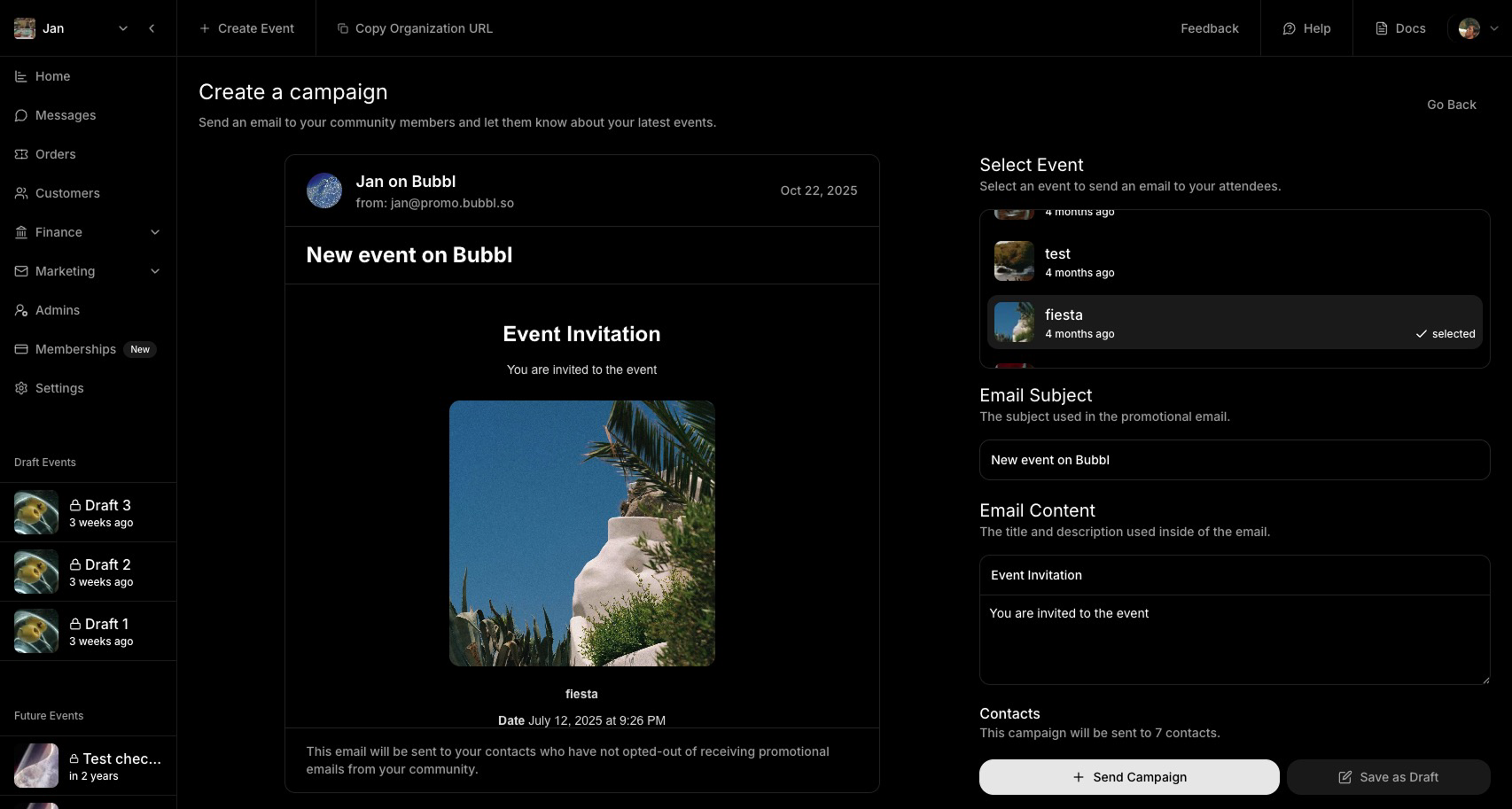
Send marketing emails to your attendees from the web dashboard.Ideal for re-targetting your audience for new event announcements.
Blasts - iOS Push Notifications
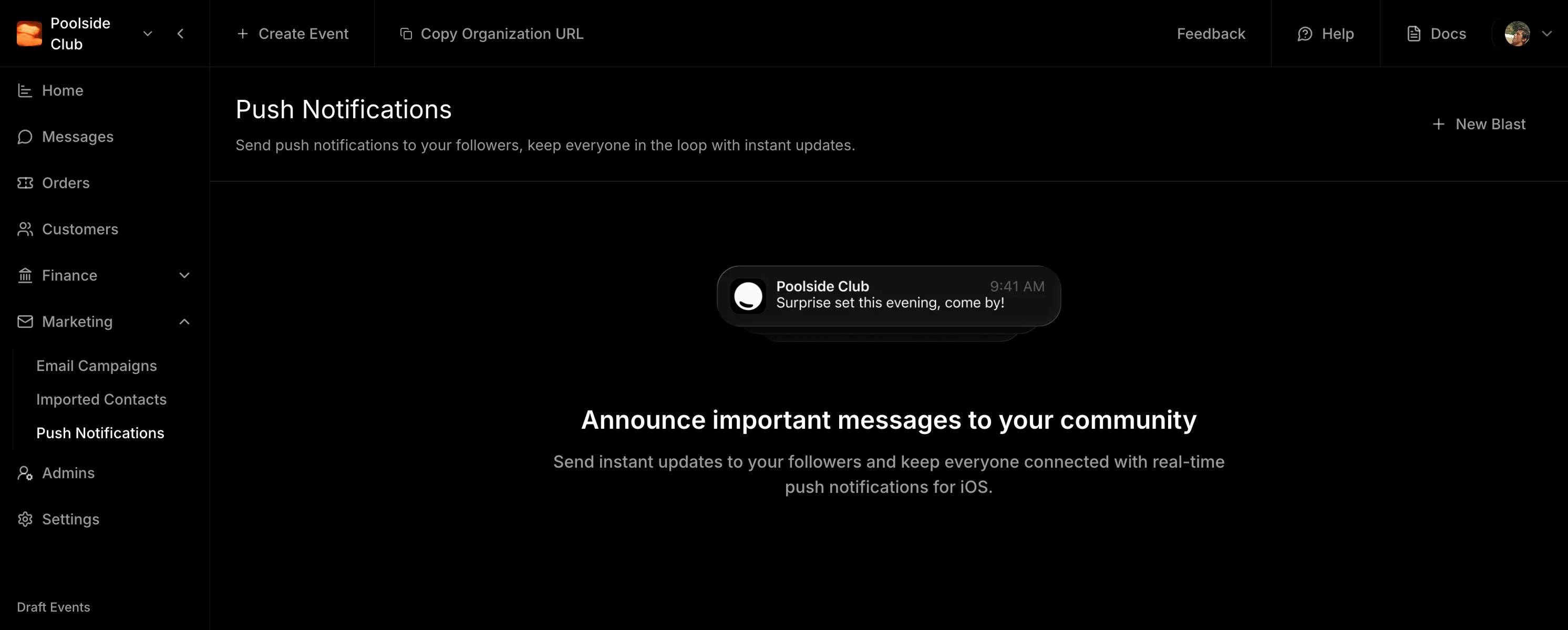
You can only send 1 blast a day. It is received by app users who have notifications On.
Importing Email Contacts
What you’ll see- A list of your uploaded contacts and contact groups
- Click Import Contacts
- Drag and drop a CSV file
- Accept terms and set a contact group name
All contacts must be your own and collected legally.
We’re currently working to be fully legally compliant to re-activate our SMS Marketing features